
Frequently asked questions.

What the latest with Malware Attacks?
Can the address bar that shows for example www.hp.com, that looks real, but suddenly the browser displays “scammers alerts’ that it shows malicious flashing text and a fake support number to contact be real?
Tech support scammers have devised a method to inject their fake phone numbers into webpages when a target's web browser visits official sites like: Apple, PayPal, Netflix, and other common company websites.
The ruse, outlined in a post on Wednesday from an official security software firm called “Malwarebytes”, says this threat is to trick users into calling the malicious numbers, then trick them in there wit, to think they are taking the right measures; by calling that number flashing, give the scammer access to their computer to prevent falling into such scams. One of the more common pieces of security advice we give to our customers, is:
to carefully check the address bar of a browser to ensure it's pointing to an organization’s official website that they are going to.
have the latest security protection on your computer like Malwarebytes and rebuttable Antivirus protection for example Nortons 360. Nowadays it is the best practice to have two levels of protection on any computer. Contact us today to find out more.
Can Smart Phones be protected from scams?
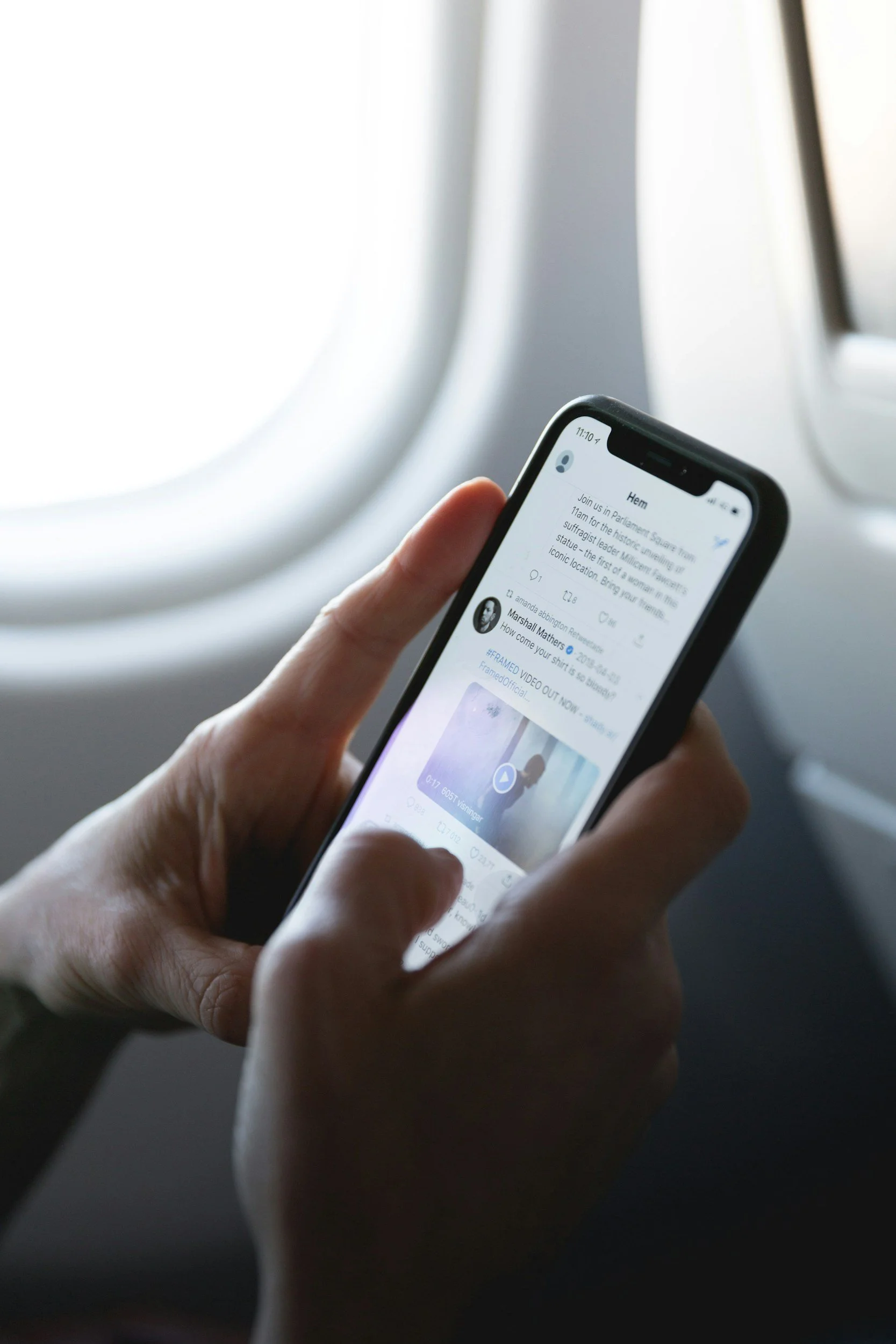
44% of people encounter a mobile scam every single day, Malwarebytes findings are:
“It’s become so troublesome owning a phone.”
So how does it happen?
Malicious texts pose as package delivery notifications, phishing emails that impersonate trusted brands, and unknown calls hide extortion attempts, virtual kidnapping schemes, or AI threats. Confusingly, even legitimate businesses now have to lean on outreach tactics that have long been favoured by online scammers—in asking people to scan QR codes, download mobile apps, and trade direct messages with, essentially, strangers that are scammers.
All this type of junk and tactics is adding up, and it’s hurting everyday people.
According to new research conducted by Malwarebytes the security software company, 44% of people encounter a mobile scam every single day, while 78% encounter scams at least weekly. What to do to even protect our mobile devices? Install the latest software updates, install Malwarebytes or other Security software. Contact us to today to help protect your mobile devices from these attacks.
What is the Average Lifespan of an everyday Computer?
This poises other questions: But how many years can you expect from the average computer lifespan? And how do you know when it’s time to upgrade?
A good tell-tale sign when an ageing computer will show symptoms that it isn’t functioning as it should for number of reasons:
1. The user will experience functionality at snail-paced multi-tasking to lengthy bootup times and even freezing while using applications.
2. With these associations, the user will suffer loss in productivity – not to forget to mention, frustration – that will cost you dearly in the long run.
So there comes a time, when this happens, that every PC owner must upgrade their technology knowing that it is at the end of cycle. Contact us today so that we can assess your current computer and help you to make the right choice and direction for your next computer.
Who would be Australia's best NBN provider?
When choosing an internet service provider (ISP) you want to make sure the company you go with can deliver on the speeds they promise, give you a connection you can rely on and have 24-hour support locally here in Australia.
To determine the best, we can review the speed of connection in homes all around Australia using real-world data and asked people to rate their satisfaction with their current NBN provider. Contact us today for us to assess your current ISP provider, for a best valued service and support
7 Most Common Asked Questions Regarding Computer Problems:
1. What to do if my computer does not have any power?
Check that the power cord or charger is plugged in securely at both the computer end, and into the wall. If it is plugged into a power strip or battery backup, make sure that it is turned on and functioning properly.
If it is still not turning on, press and hold the power button for 30 seconds. Release the power button and wait 10 seconds, then try to turn on the computer. If it will still not turn on you may have a hardware failure, in which case, you can contact us to come to you or arrange a pickup of your computer
2. What does it mean if my computer "blue screens"?
If you computer crashes and comes up with the classic “blue screen of death”, it could potentially be a number of problems. The most common issues that arise when a blue screen happens are issues with memory, driver conflicts, or other hardware issues. On Windows 10 - 11 OS, a brief summary of what went wrong appears on the screen with an error code. We suggest writing this code down and contact us so that we can advise you on what to do next.
3. What do I do if my computer will boot to my desktop?
As with most computer errors, start by shutting down the computer and turning it back on. This will help determine if it was actually an error with the hard drive, or just a fluke. If the hard drive is damaged or failing, it will fail to boot again in most cases. If this happens contact us. We will want to immediately attempt a backup of your data so that you don’t lose photographs, files, documents, and anything else stored on you hard drive.
4. Can I leave my computer running all the time?
Today’s computers are designed to be robust and run for long period of time. However, leaving you computer running 24/7 could cause issues with the life span of the fans, which are used to cool down your PC. Additionally, we recommend you turn off, or restart your computer at least a week in order for it to reset, and install updates.
5. Is it safe to turn off a computer by holding in the power button?
Users should avoid doing a hard shutdown unless there is an issue with the computer. By going through the shutdown command, the computer works through each step of its shutdown the way it was designed.
6. Why is my computer is making a grinding or other odd noise when I turn it on?
If you hear a grinding or other odd noise when your computer is running it could be one of two things. First, if it is a faint grinding noise that sounds like a disc is spinning up, you could have a failing hard drive. If this is the case contact us right away. If it is something else, it is possble that one of your fans inside the computer is starting to fail. In this instance you will want to get in touch with us to strip apart your machine, locate the failing fan, and install a new one so that your computer continues to get the best cooling possible.
7 Does my computer have malware protection?
The first thing to know is that there is not any program out there that can guarantee protection from malware, or hackers. The first line of defense on Windows PC’s running Windows 7 & 11, is the built in antivirus software. This software runs in the background and gets updates automatically when the rest of the operating system is updated. If you want something a little more full featured you can contact us about Deep Instict today.